The Siser Juliet is a great cutter. Some might even suggest, the greatest cutter for its price.
However, when cutting things in bulk, the lid oftentimes interferes with quick reloading, due to the lever being on the back rather than frontside of the cutter.
Unfortunately, it seems the device’s designers did not take that into account and did not make the lid removable by design.
However, I found out you can remove the lid pretty painlessly.
You will need
- 5 mm nut driver
- guitar pick or something of similar strength and thickness
- a bit of patience
Step 1
Choose either left or right side to work on. To remove the lid, you’ll only need to work on one side if you want to keep the lid pins intact.
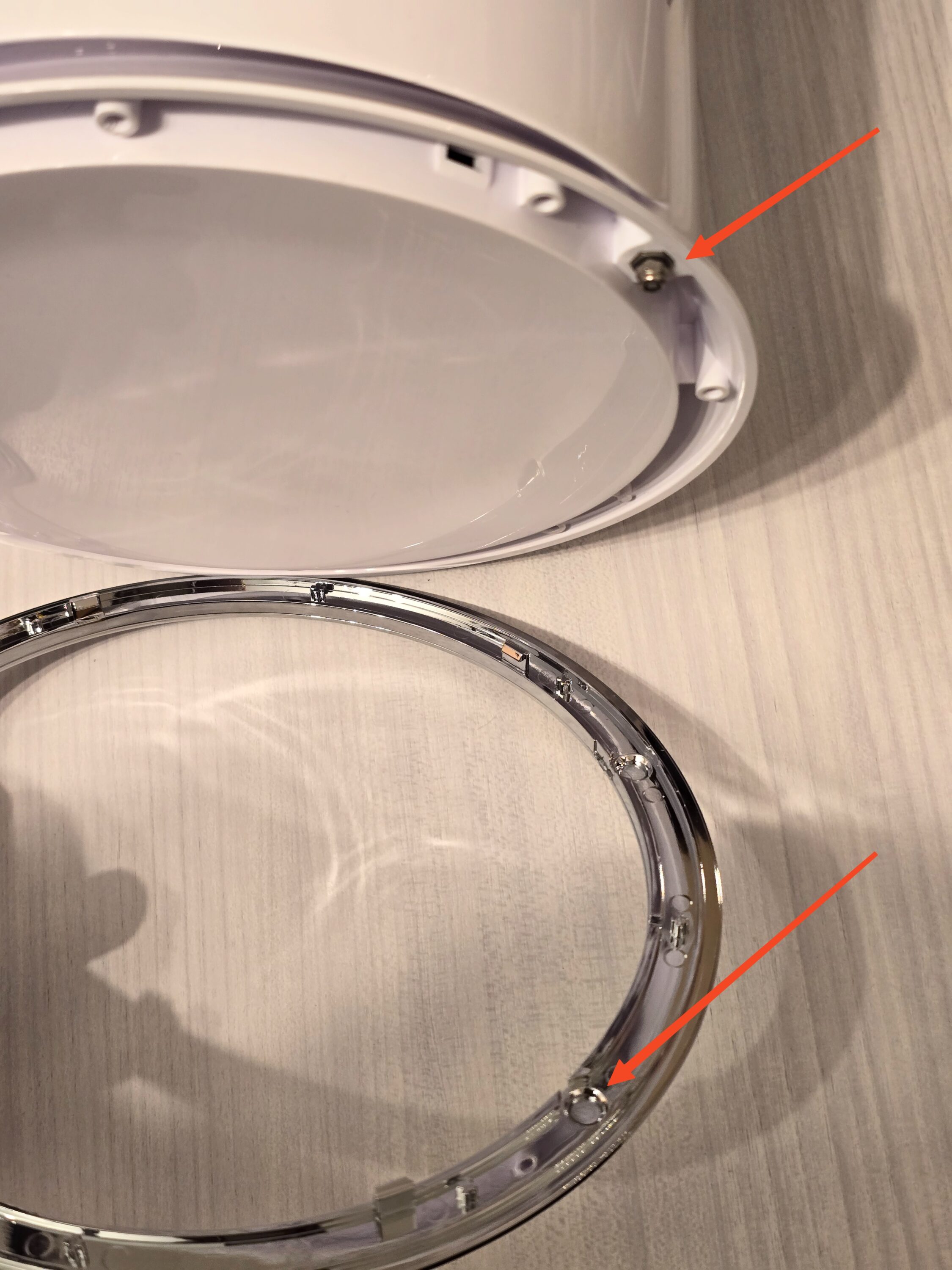
Try to loosen the silver plastic ring, which acts as cover for the screw we need to get to. You will most likely scuff the plastic a bit, but if you are using a plastic guitar pick like me, the damage will be nigh invisible. Jam the pick in carefully all around the ring, to take it off completely.
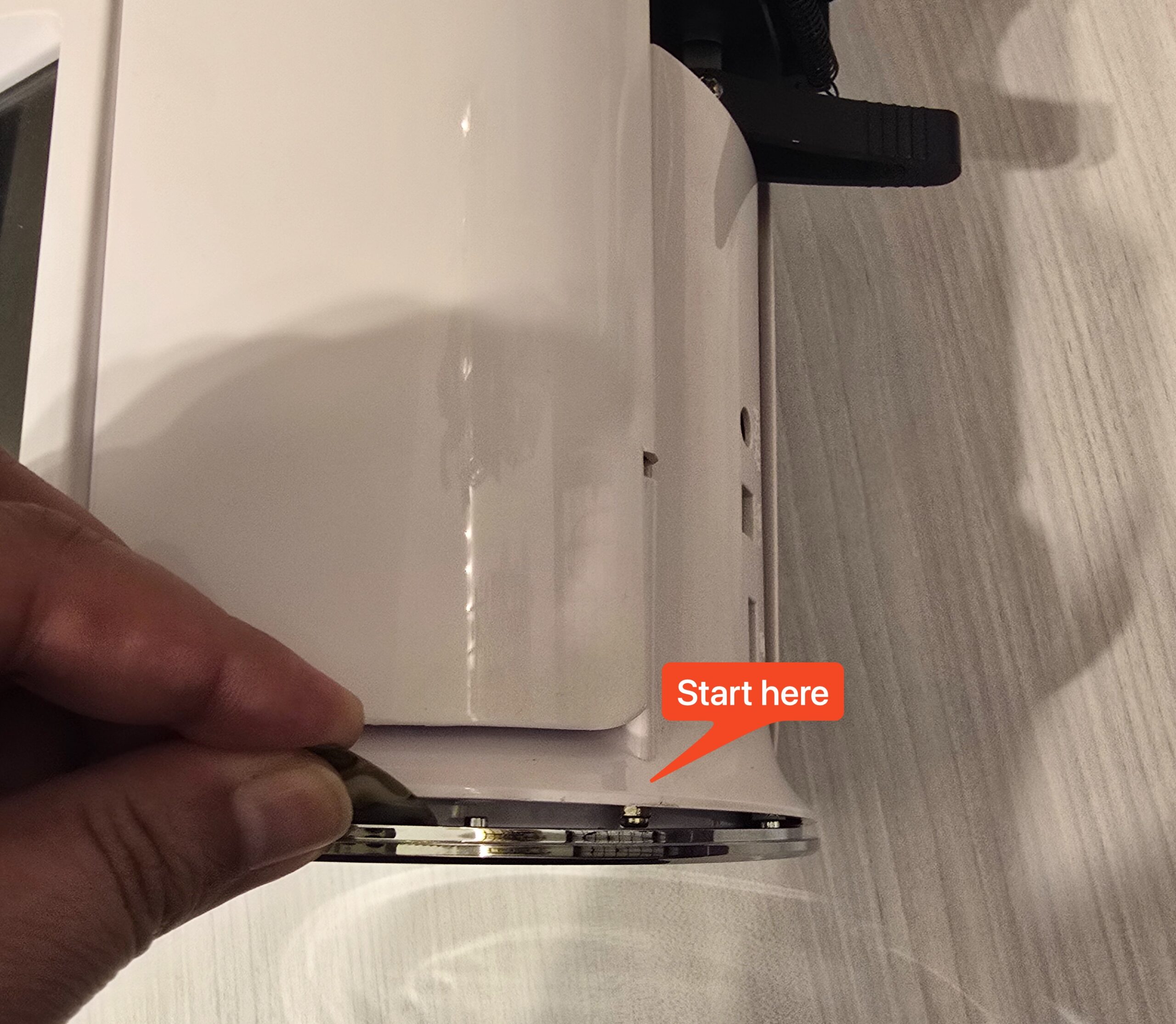
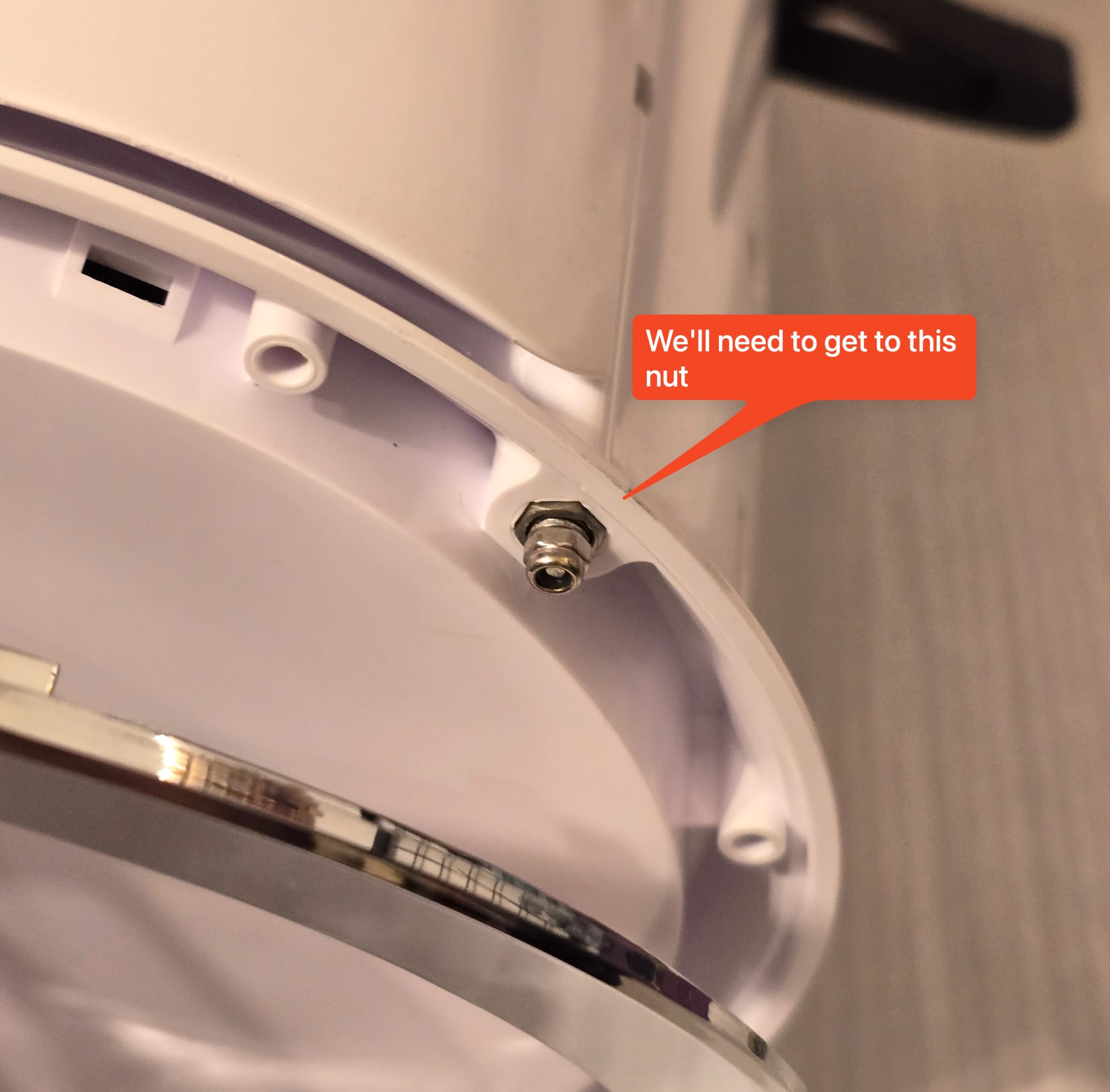
You might not need to take the whole ring off if your toolbit is flexible or small enough to fit within the gap.
Step 2
Loosen the nut, be careful not to lose the washers.
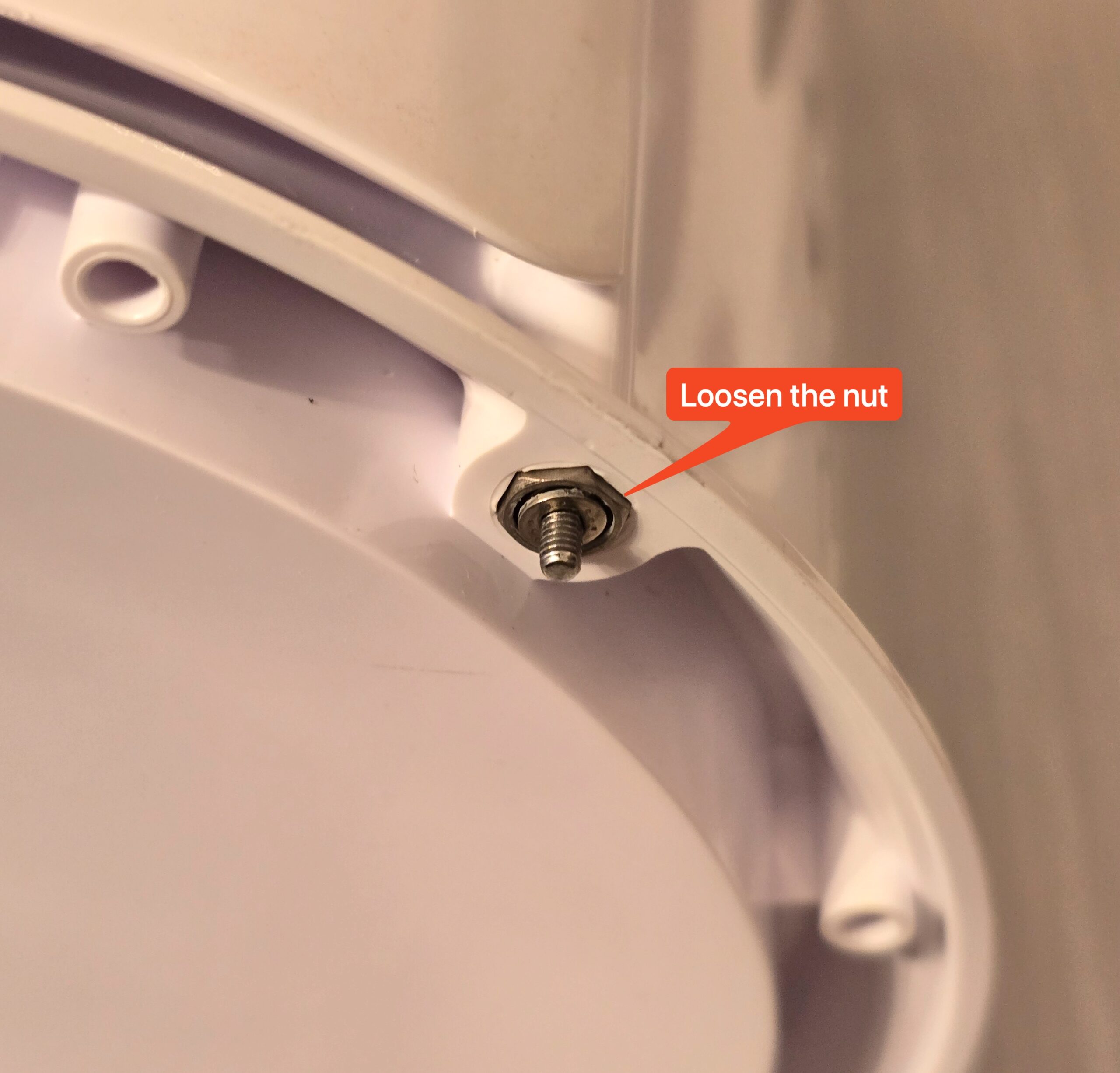
After removing the nut, you can pull out the pin and carefully wiggle out the lid. Removing the pin takes a bit of patience and force as it’s put in with quite a bit of friction. If you want to remove both pins (on both sides), you can do this first. I decided to keep the pins in to attach the lid to one pin when not in use.
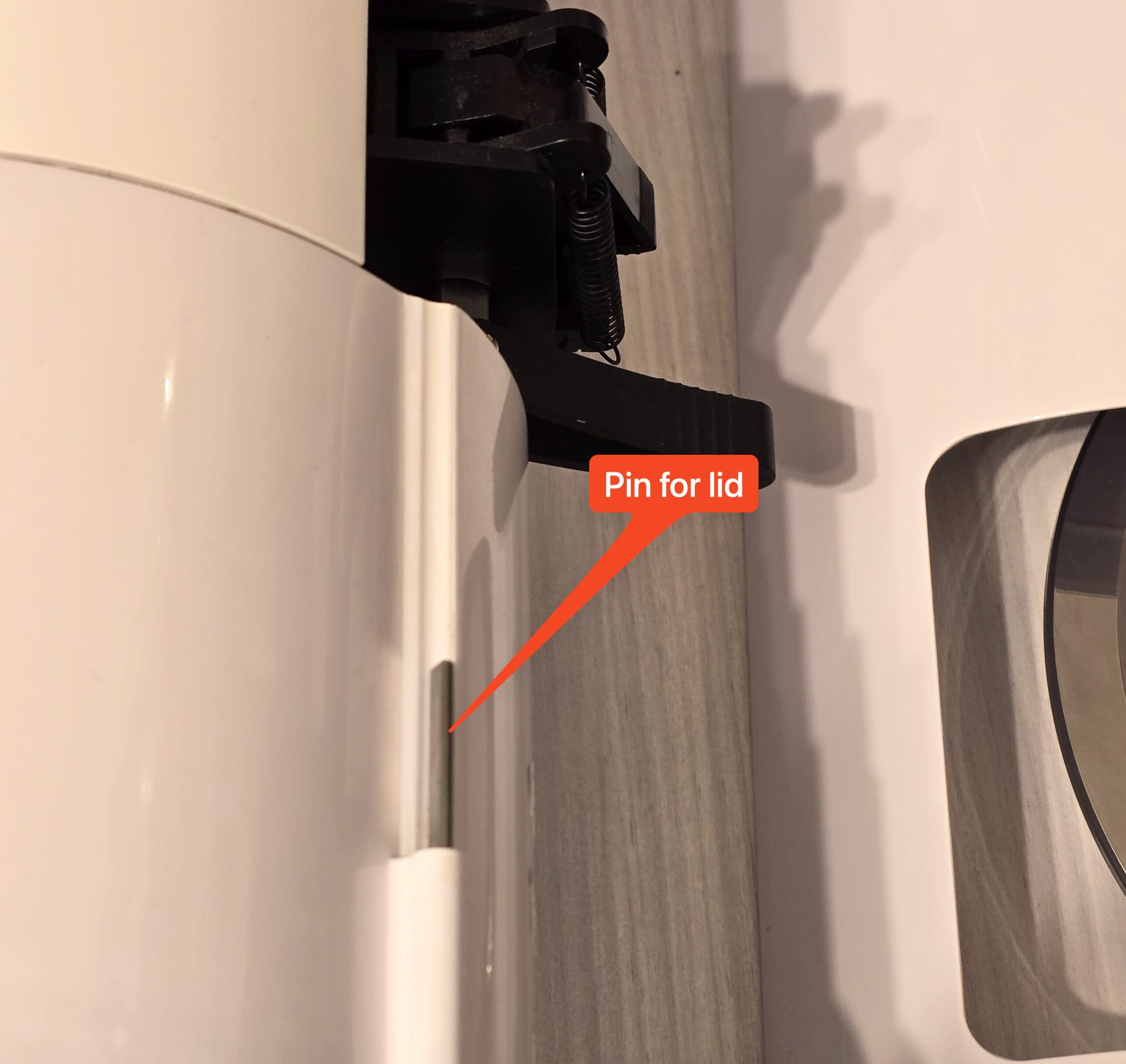
Step 3
Reattach the nut to keep the pin in the device. If you decide to remove the pins altogether, you can skip this step (and continue with removal on the other side).
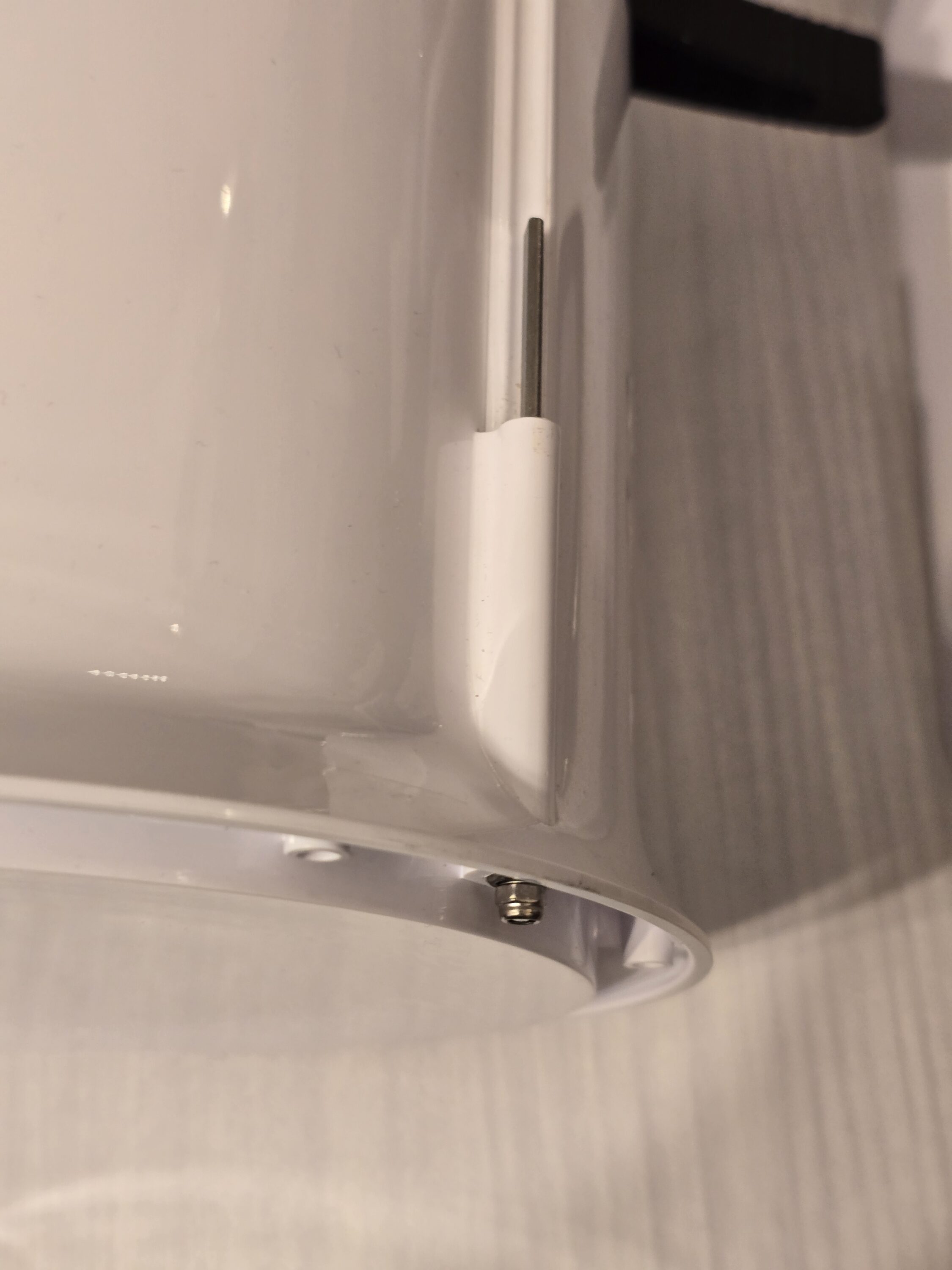
Step 4
Reattach the lid; this time, only one pin. I attached mine to the right pin as you can see. The pin is directional, so this can take a bit of wiggling. Upper pin is lose on mine.
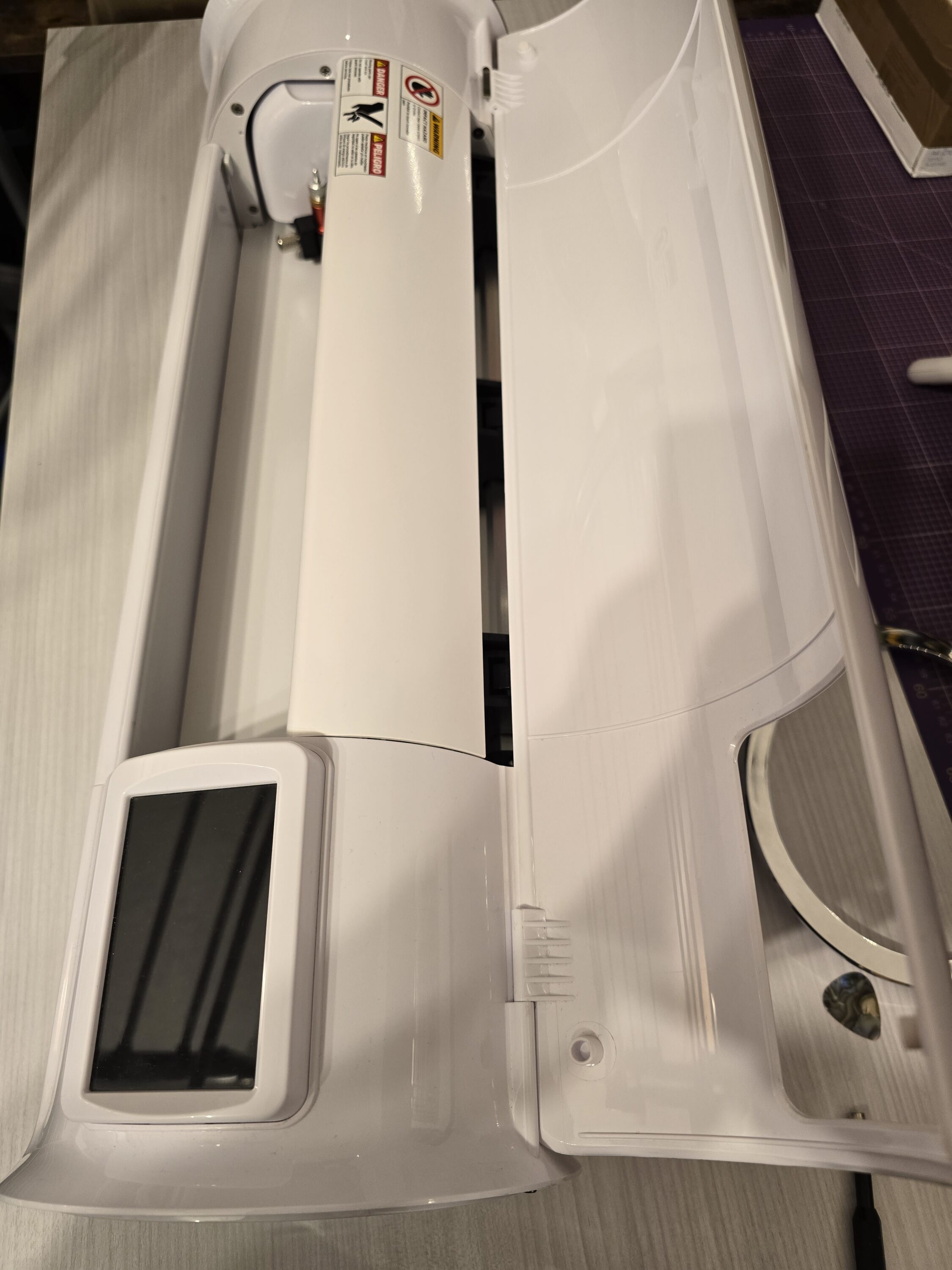
Step 5
Put the silver ring on again. The ring is directional, make sure to put the indents on the side where the screw pin is.